- Produkt-Art
- Gaming Monitor159LED-Monitor30LCD-Monitor9Studio Display5Portabler Monitor3Touchscreen-Monitor2Smart Monitor1
- Preis
- Marke
- Asus40Iiyama27MSI24ASRock20Acer16Viewsonic16Samsung12Dell10LG Electronics8Alienware7BenQ6Apple5Philips4Verbatim4AOC3LC Power3ODYS3Thermaltake3Philips Monitore2Arzopa1Denver1Gigabyte1HP1Xiaomi1
- Besonderheiten
- Neigbar98Höhenverstellbar79Integrierte Lautsprecher73Flicker Free-Technologie71VESA Mount 100 x 100 mm62High Dynamic Range (HDR)59Schwenkbar53Blaulicht-Reduktion50Kensington-Lock47Full HD-Auflösung31G-Sync31Pivot-Funktion31Freesync30AMD RADEON FreeSync29Kopfhöreranschluss28Curved-Display26WQHD-Auflösung13Drehbar auf Hochformat12Blaulicht-Filter11UHD-Auflösung9Integrierte Webcam7USB-Dock7Ultra WQHD-Auflösung6Großer Farbraum P35Integriertes Mikrofon5Standard Glas5True Tone Technologie5VESA DisplayHDR 4005Betriebssystem Tizen4Bluetooth4Inkl. Fernbedienung4Samsung Smart-Features4Unterstützt Amazon Alexa4Unterstützt Bixby Voice Assistant4WiFi4Integrierter KVM-Switch3Konsolenmodus2Ethernet-Anschluss1Inkl. Netzwerkadapter1Nano-Texture Glas1Ohne Standfuß1Quantum Dot-Display1Touchscreen1
- Schnittstellen
- DisplayPort115HDMI®110Kopfhörer-Buchse43USB-C®32Kopfhörer (3.5 mm Klinke)27USB-A (USB 3.2 Gen 1)13HDMI® 2.112Audio-Line-out10USB-B10USB-A (USB 2.0)9VGA8Audio, stereo (3.5 mm Klinke)6USB6USB-A6RJ455Thunderbolt 55Bluetooth®4HDMI® 2.0b4USB-C® (DP Alt Mode)4WLAN4DVI2Micro USB2USB-A (USB 3.0)2USB-A (USB 3.1 Gen 1)2USB-C® (USB 2.0)2Mini HDMI™1Thunderbolt 41USB-A (Host)1USB-A (USB 3.2 Gen 2)1USB-C® (USB 3.2 Gen 1)1USB-C® (USB 3.2 Gen 2)1USB-C® PD1
- Anwendungsbereich
- Gaming209Media26Büro24Home21Design12
- Display (Zoll)
- Energieeffizienzklasse
- Bildformat
- Bildfrequenz / Verbesserung
- Display-Auflösungsmodus
- Reaktionszeit
- Auflösung (max.)
- Panel-Technologie
- Neuheiten & Angebote
Gaming Monitore
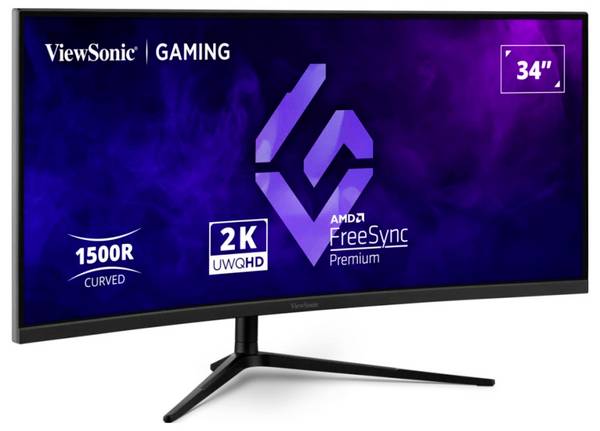
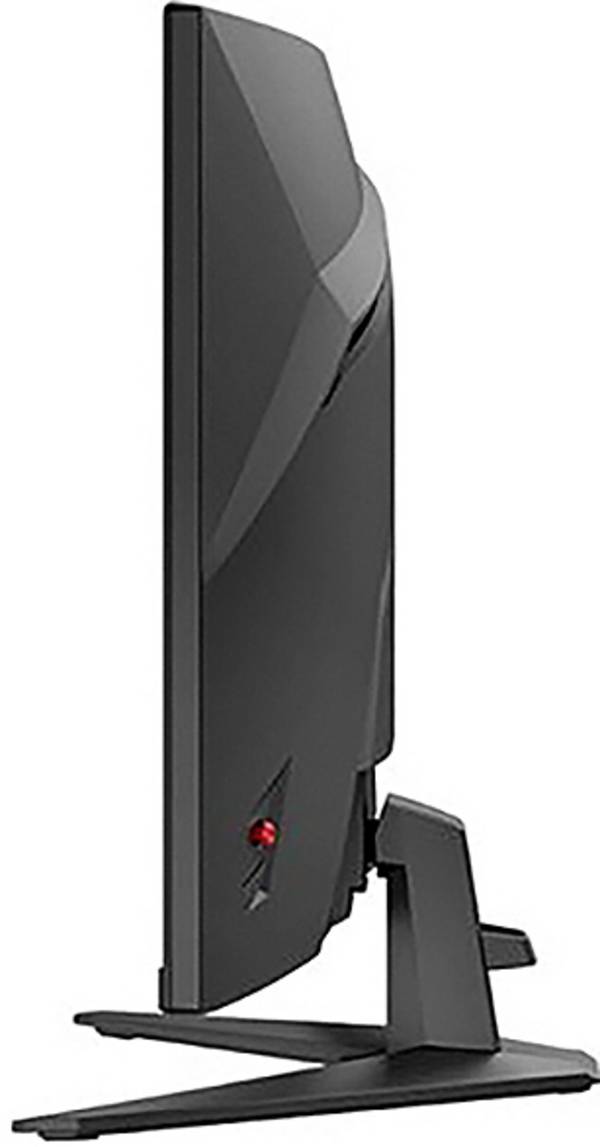
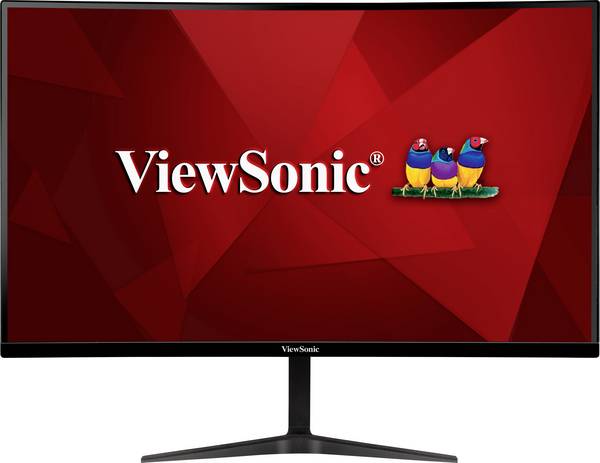
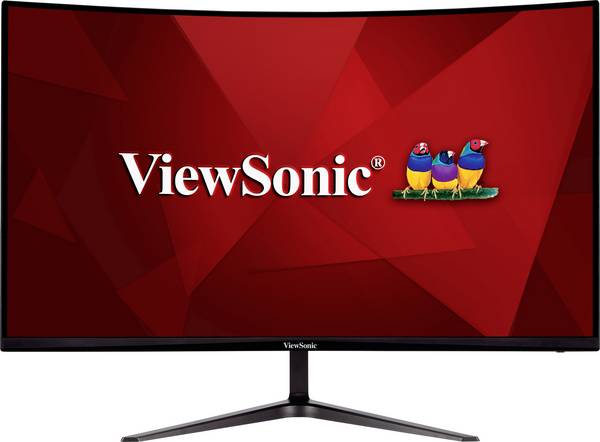
209 ErgebnisseViewsonic VX3418C-2K LED-Monitor EEK F (A - G) 86.4 cm (34 Zoll) 3440 x 1440 Pixel 21:9 1 ms HDMI® 2.0b VA LED

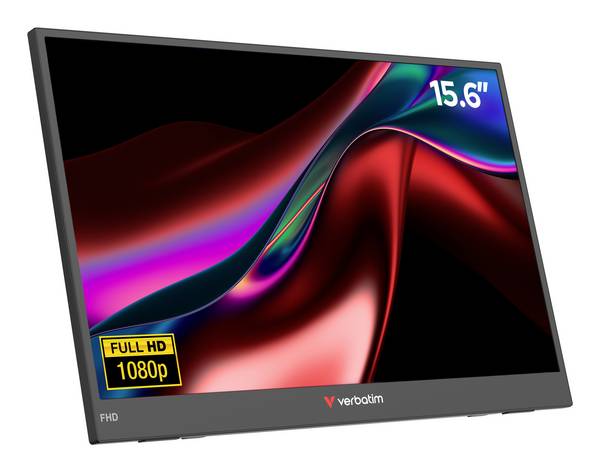
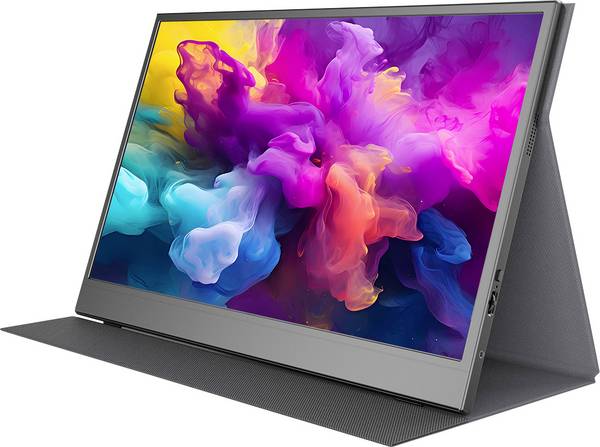
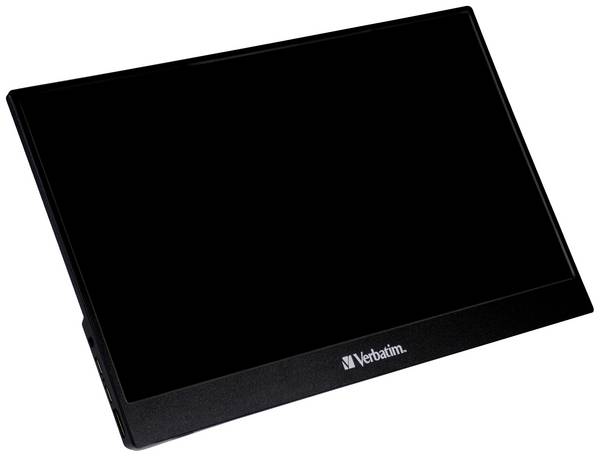
Verbatim LIGHT Portabler Monitor EEK A (A - G) 39.6 cm (15.6 Zoll) 16:9 10 ms
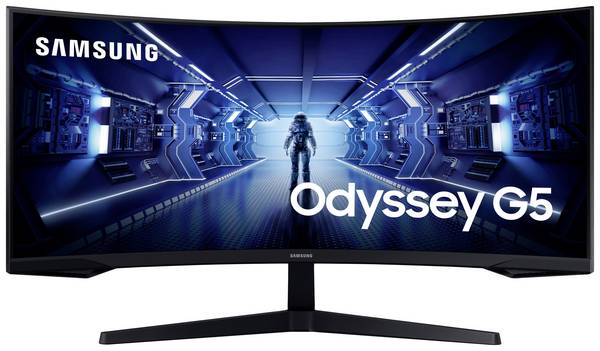
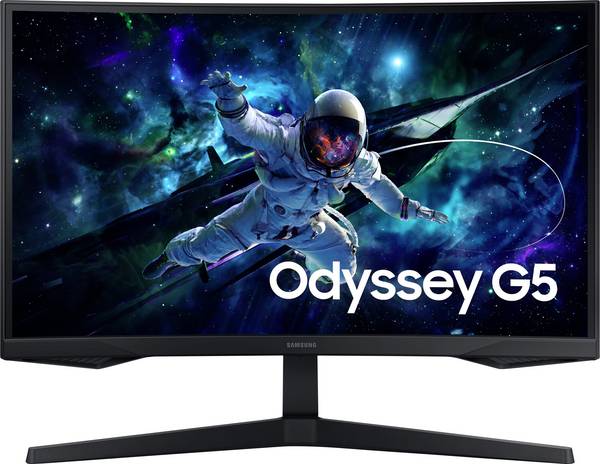
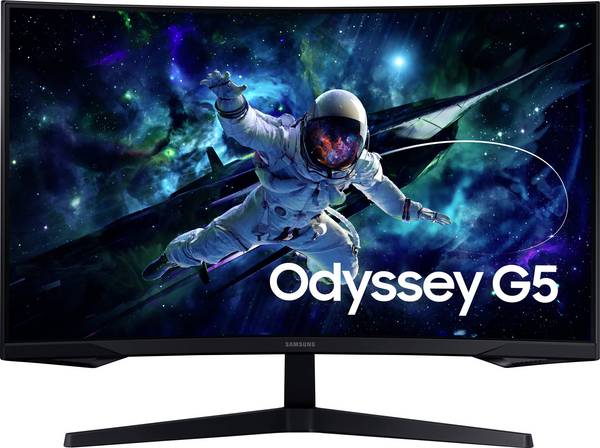
Samsung Odyssey G5 C34G55TWWP LED-Monitor EEK G (A - G) 86.4 cm (34 Zoll) 3440 x 1440 Pixel 21:9 1 ms DisplayPort, HDMI®
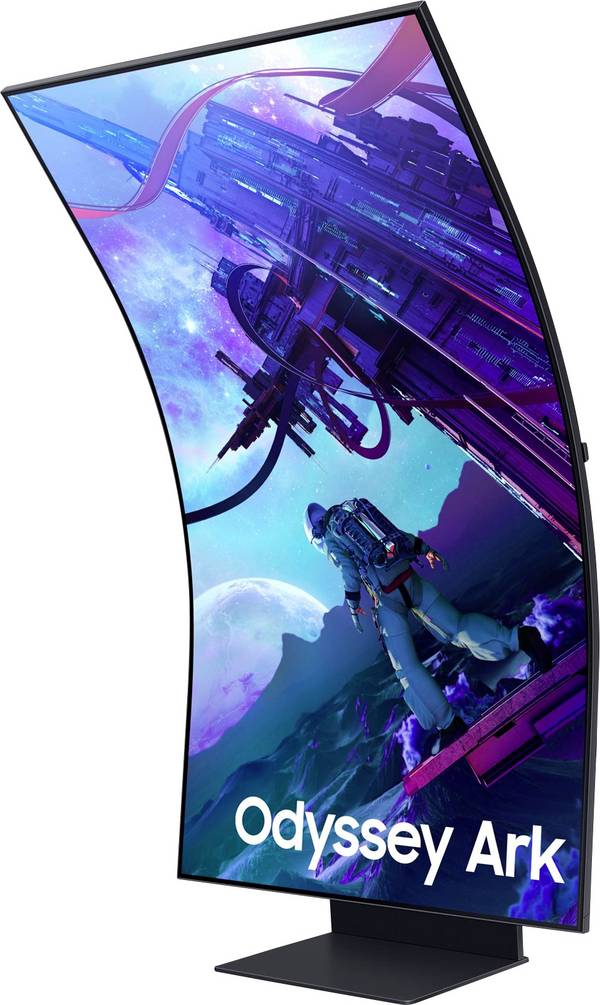
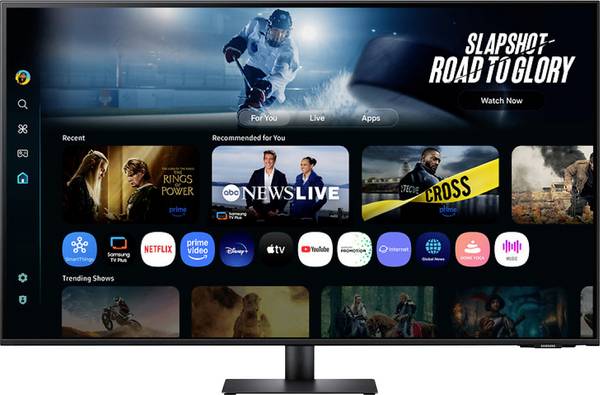
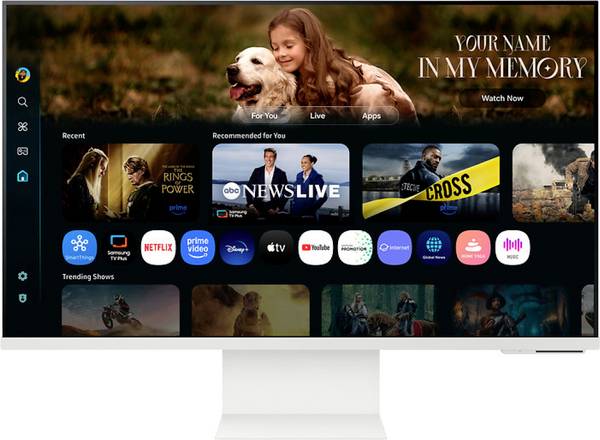
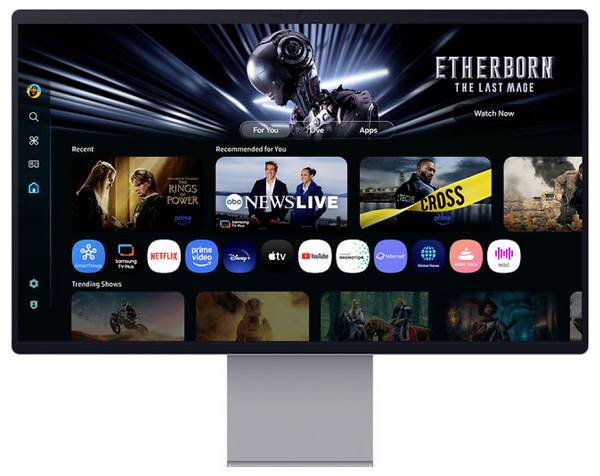
Samsung Odyssey Ark S55CG970NU Smart Monitor EEK G (A - G) 139.7 cm (55 Zoll) 3840 x 2160 Pixel 16:9 1 ms DisplayPort, H
Samsung Odyssey G5 LS27CG554EU Gaming Monitor EEK F (A - G) 68.6 cm (27 Zoll) 2560 x 1440 Pixel 16:9 1 ms DisplayPort, H
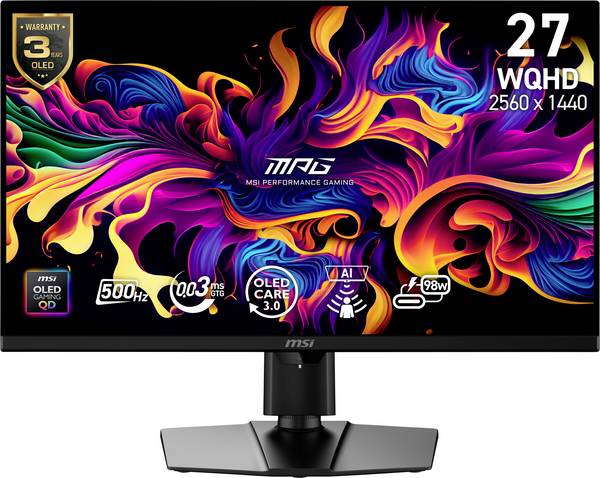
MSI MPG 271QRDE QD-OLED X50 Gaming Monitor EEK F (A - G) 67.3 cm (26.5 Zoll) 2560 x 1440 Pixel 16:9 1 ms USB-A (USB 2.0)
Asus Eye Care VA279HG Gaming Monitor EEK C (A - G) 68.6 cm (27 Zoll) 1920 x 1080 Pixel 16:9 1 ms HDMI®, VGA IPS LCD
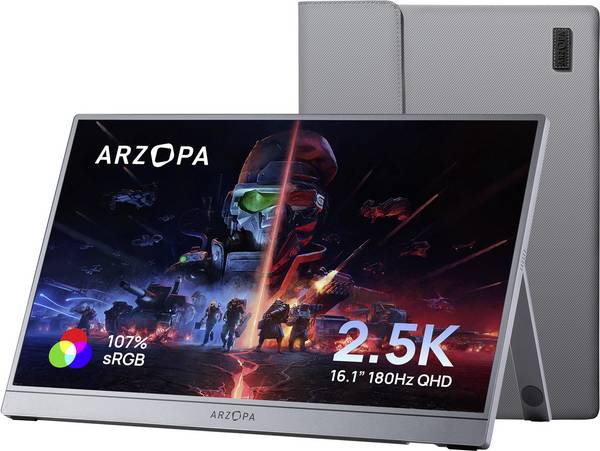
Arzopa Portabler Monitor EEK E (A - G) 40.9 cm (16.1 Zoll) 2560 x 1440 Pixel 16:9 25 ms HDMI®, USB-C®, USB-A (Host) IPS
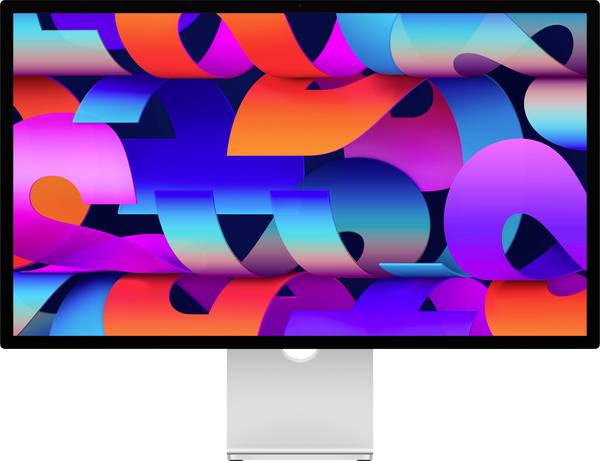
Apple Studio Display (2026) Studio Display Standard Glas EEK F (A - G) 68.6 cm (27 Zoll) 5120 x 2880 Pixel Thunderbolt 5
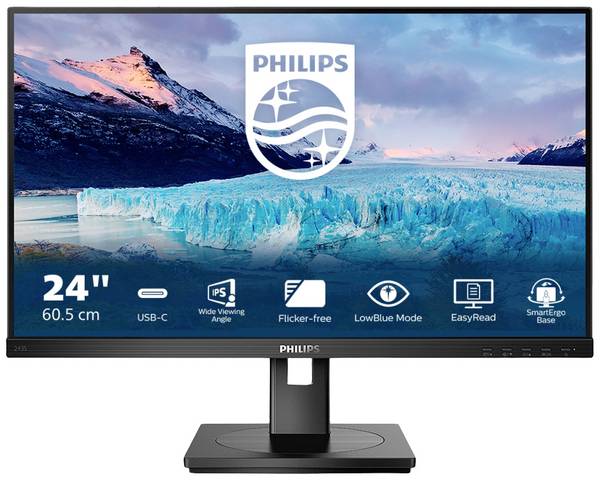
Philips Monitore 243S1/00 LED-Monitor EEK D (A - G) 60.5 cm (23.8 Zoll) 1920 x 1080 Pixel 16:9 4 ms HDMI®, DisplayPort,

Denver PMO-15604 LED-Monitor EEK B (A - G) 39.6 cm (15.6 Zoll) 16:9 30 ms Mini HDMI™, USB-C®, Kopfhörer (3.5 mm Klinke)
Samsung S32FM700UU LED-Monitor EEK F (A - G) 81.3 cm (32 Zoll) 3840 x 2160 Pixel 16:9 4 ms HDMI®, USB-A (USB 2.0), USB-C
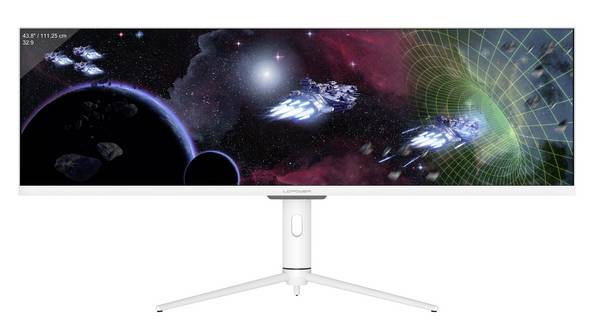
LC Power LC-M44-DFHD-120 Gaming Monitor EEK G (A - G) 111.3 cm (43.8 Zoll) 3840 x 1080 Pixel 32:9 4 ms Audio, stereo (3.
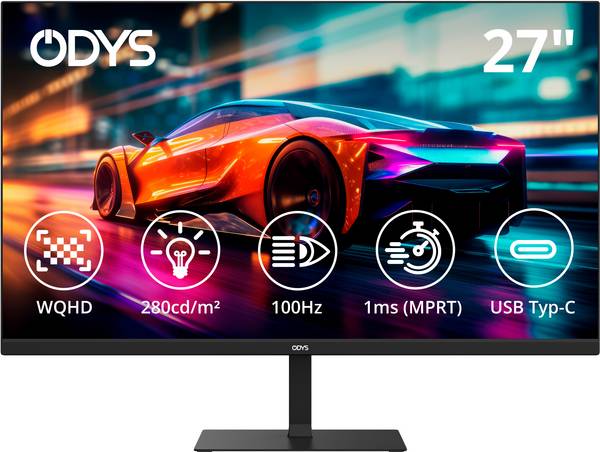
ODYS i27-Q-100 LED-Monitor EEK E (A - G) 68.6 cm (27 Zoll) 2560 x 1440 Pixel 16:9 1 ms HDMI® 2.1, DisplayPort, USB-C®, K
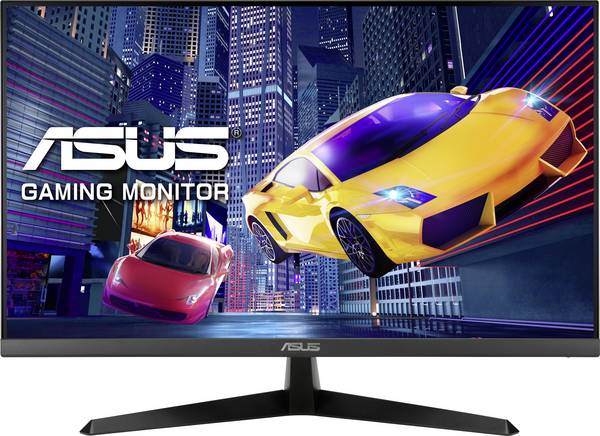
Asus Eye Care VY279HGR LCD-Monitor EEK C (A - G) 68.6 cm (27 Zoll) 1920 x 1080 Pixel 16:9 Kopfhörer-Buchse VA LCD
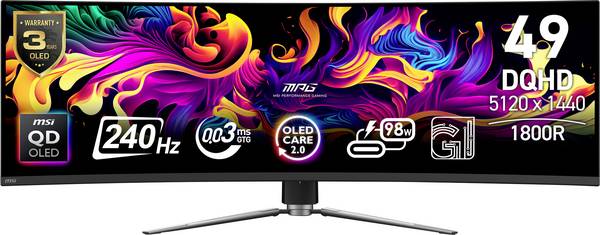
MSI MPG 491CQPXDE Gaming Monitor EEK G (A - G) 124.5 cm (49 Zoll) 5120 x 1440 Pixel 32:9 0.03 ms DisplayPort, HDMI® OLED
Verbatim PM-14 Portabler Monitor EEK A (A - G) 35.6 cm (14 Zoll) 1920 x 1080 Pixel 16:9 6 ms HDMI®, USB-A (USB 2.0), USB
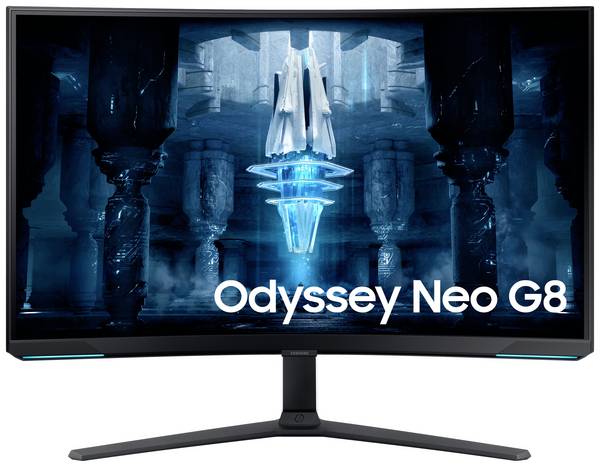
Samsung Odyssey Neo G8 S32BG850NP LED-Monitor EEK G (A - G) 81.3 cm (32 Zoll) 3840 x 2160 Pixel 16:9 1 ms HDMI®, Display
Samsung S32FM801UU LED-Monitor EEK F (A - G) 81.3 cm (32 Zoll) 3840 x 2160 Pixel 16:9 4 ms HDMI®, USB-A (USB 2.0), USB-C

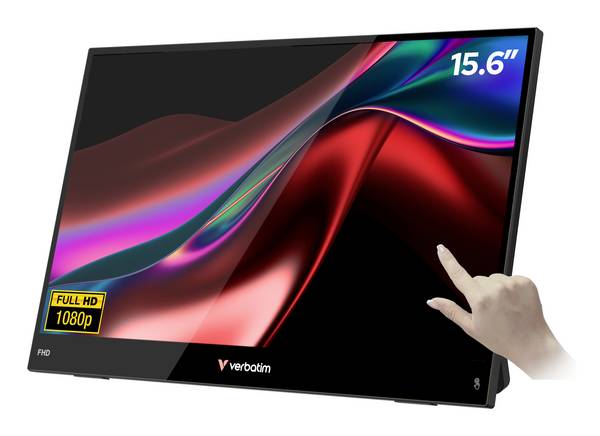
Verbatim LIGHT Touchscreen-Monitor EEK A (A - G) 39.6 cm (15.6 Zoll) 16:9 10 ms
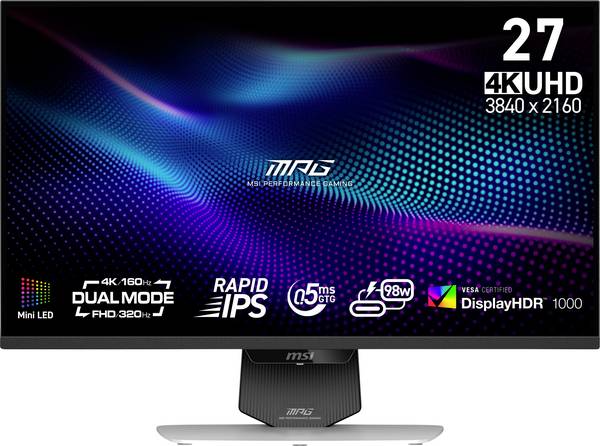
MSI MPG 274URDFWDE E16M Gaming Monitor EEK F (A - G) 68.6 cm (27 Zoll) 3840 x 2160 Pixel 16:9 0.5 ms HDMI®, DisplayPort,
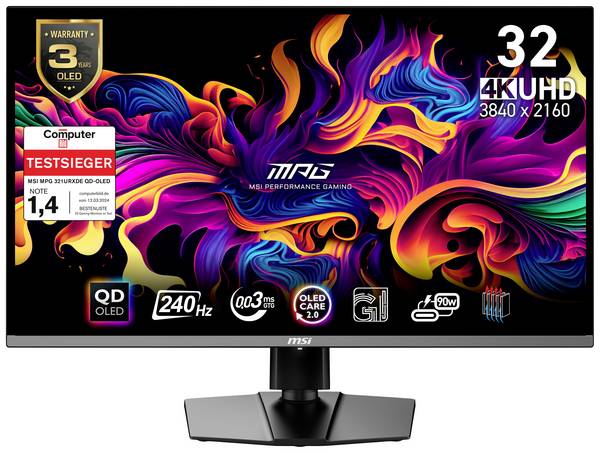
MSI MPG 321URXDE QD-OLED Gaming Monitor EEK G (A - G) 80 cm (31.5 Zoll) 3840 x 2160 Pixel 16:9 0.03 ms HDMI®, DisplayPor
Acer Nitro QG240Y S3 Gaming Monitor EEK E (A - G) 60.5 cm (23.8 Zoll) 1920 x 1080 Pixel 16:9 1 ms HDMI®, Kopfhörer (3.5
Samsung Odyssey G5 LS32CG554EU Gaming Monitor EEK G (A - G) 81.3 cm (32 Zoll) 2560 x 1440 Pixel 16:9 1 ms DisplayPort, H
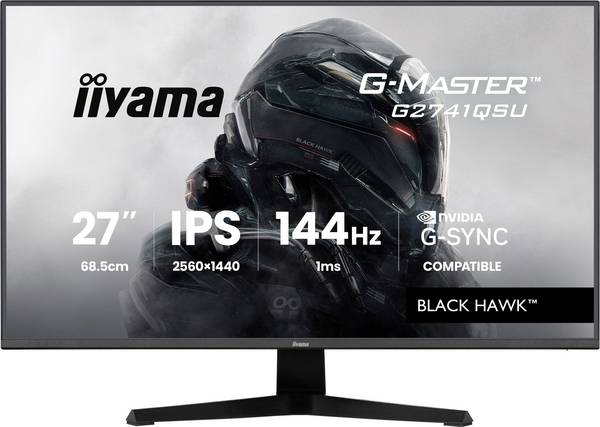
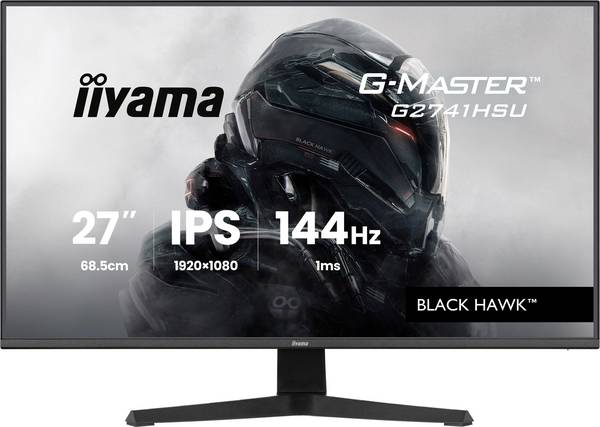
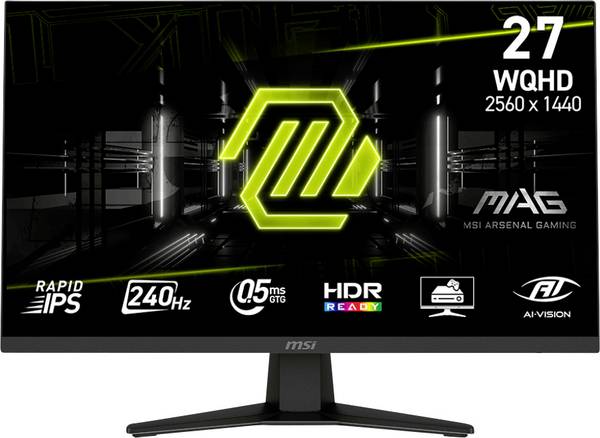
Iiyama 27" IPS Gaming, G-Master Black Hawk, Fre Gaming Monitor EEK D (A - G) 68.6 cm (27 Zoll) 2560 x 1440 Pixel 16:9 1

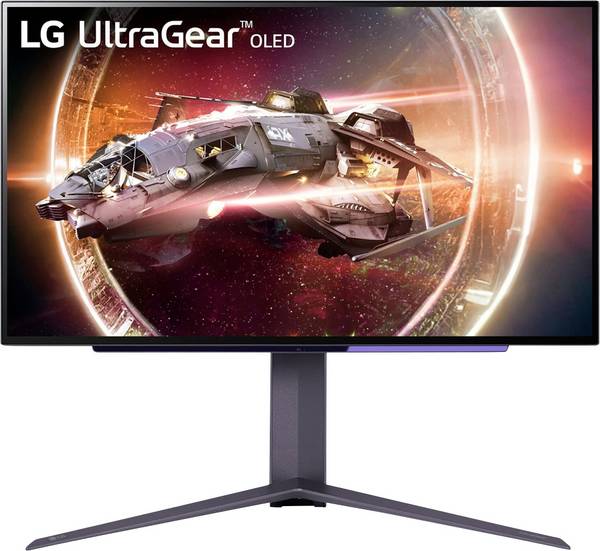
LG Electronics UltraGear 27GS95QX-B LED-Monitor EEK F (A - G) 67.3 cm (26.5 Zoll) 16:9 0.03 ms HDMI® 2.1 OLED

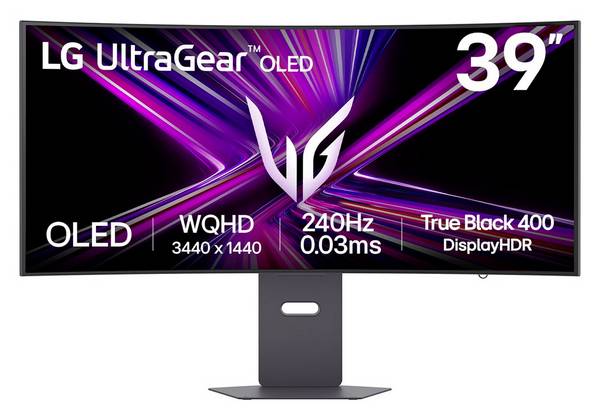
LG Electronics 39GX900A-B Gaming Monitor EEK F (A - G) 99.1 cm (39 Zoll) 21:9 0.03 ms OLED
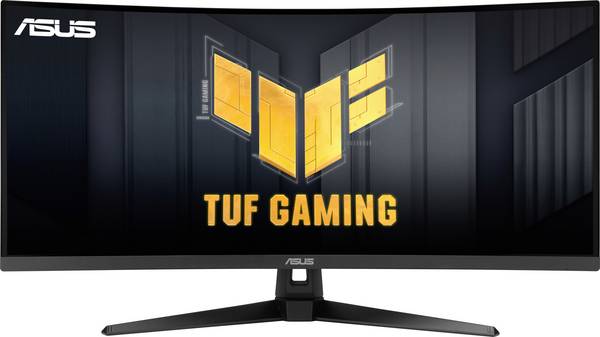
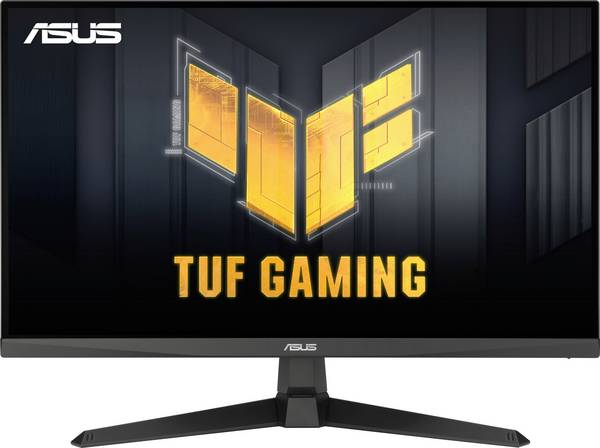
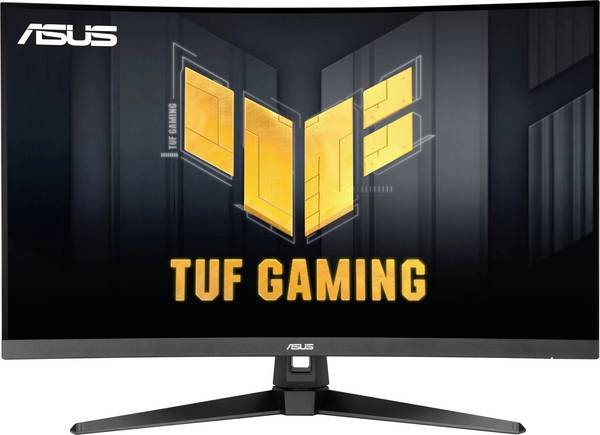
Asus TUF Gaming VG34VQ3B Gaming Monitor EEK F (A - G) 86.4 cm (34 Zoll) 3440 x 1440 Pixel 21:9 1 ms Kopfhörer-Buchse VA
Iiyama G-MASTER Gaming Monitor EEK C (A - G) 68.6 cm (27 Zoll) 1920 x 1080 Pixel 16:9 1 ms HDMI® IPS LED
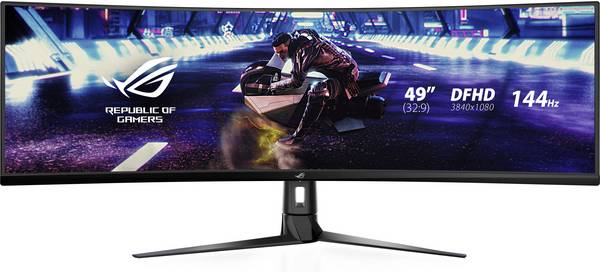
Asus XG49VQ Gaming Monitor EEK G (A - G) 124.5 cm (49 Zoll) 3840 x 1080 Pixel 32:9 4 ms HDMI®, DisplayPort, USB, Kopfhör
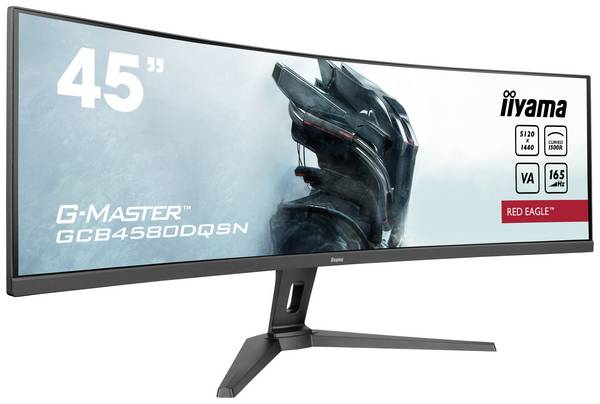
Iiyama G-Master Curved Red Eagle Gaming Monitor EEK F (A - G) 114.3 cm (45 Zoll) 5120 x 1440 Pixel 32:9 0.8 ms HDMI®, Di
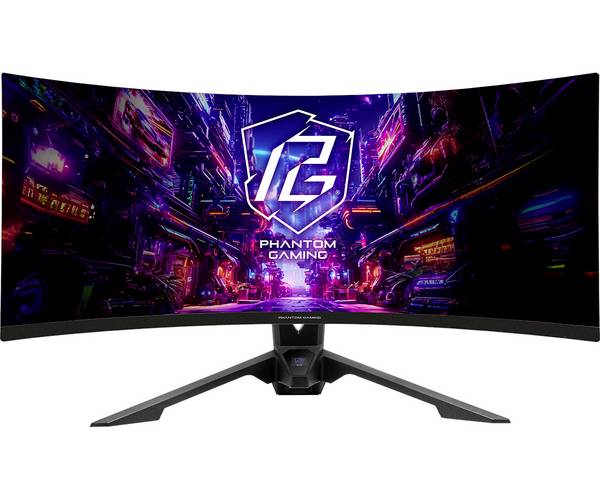
ASRock PG34QRT3A Gaming Monitor EEK F (A - G) 86.4 cm (34 Zoll) 3440 x 1440 Pixel 21:9 1 ms OLED
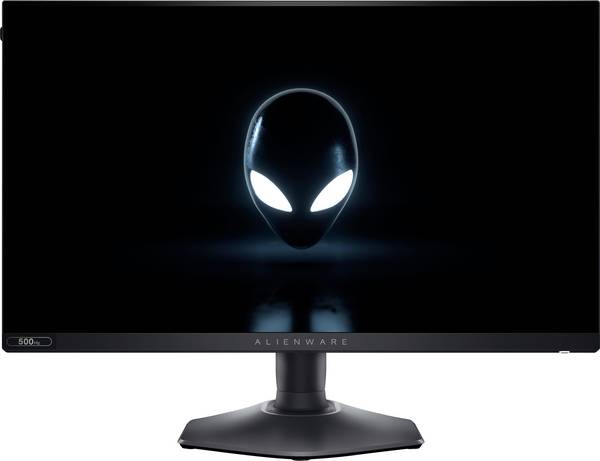
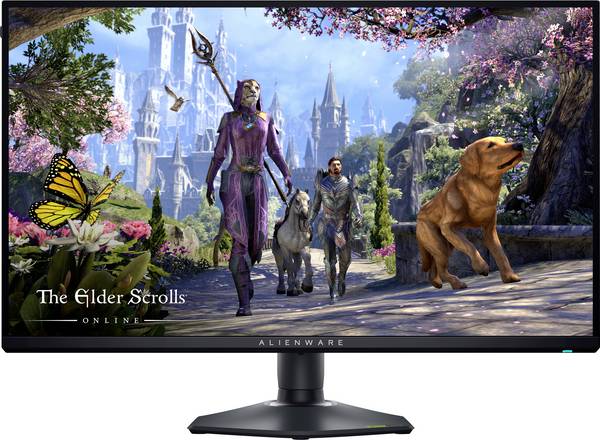
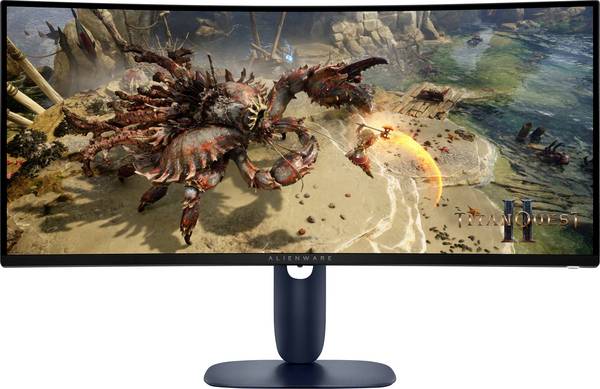
Alienware AW2524HF Gaming Monitor EEK E (A - G) 62.2 cm (24.5 Zoll) 1920 x 1080 Pixel 16:9 0.5 ms DisplayPort IPS LCD
Acer Nitro ED320QW0b Gaming Monitor EEK D (A - G) 80 cm (31.5 Zoll) 1920 x 1080 Pixel 16:9 4 ms DisplayPort, HDMI® VA LC
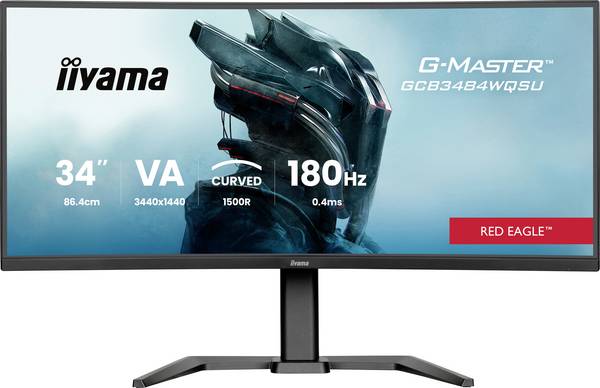
Iiyama GCB3484WQSU-B1 LED-Monitor EEK F (A - G) 86.4 cm (34 Zoll) 3440 x 1440 Pixel 21:9 0.4 ms DisplayPort VA LED
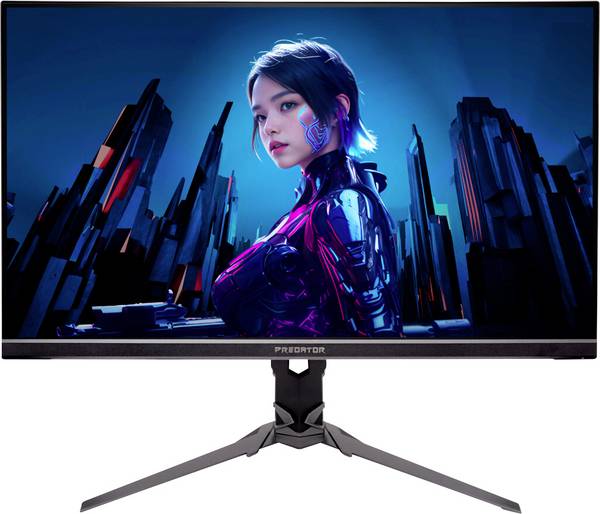
Acer Predator XB323QKV4b Gaming Monitor EEK F (A - G) 80 cm (31.5 Zoll) 3840 x 2160 Pixel 16:9 1 ms HDMI®, DisplayPort,
Asus TUF Gaming VG279QE5A Gaming Monitor EEK E (A - G) 68.6 cm (27 Zoll) 1920 x 1080 Pixel 16:9 1 ms IPS LCD
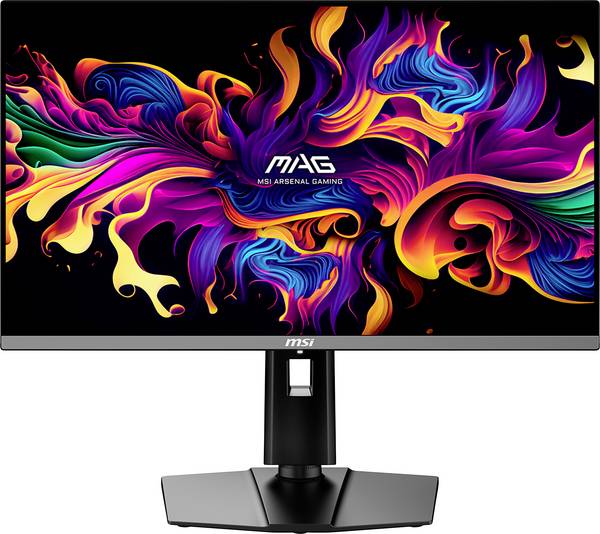
MSI MAG 272QPDE X24 Gaming Monitor EEK E (A - G) 174.2 cm (68.6 Zoll) 2560 x 1440 Pixel 16:9 0.03 ms Kopfhörer-Buchse, H
ASRock CL25FFB Gaming Monitor EEK E (A - G) 62.2 cm (24.5 Zoll) 1920 x 1080 Pixel 16:9

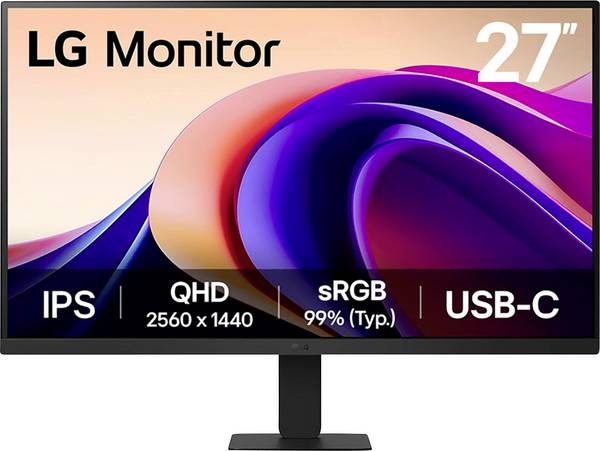
LG Electronics 27U631A-B Gaming Monitor EEK E (A - G) 68.6 cm (27 Zoll) 16:9 5 ms USB-C®
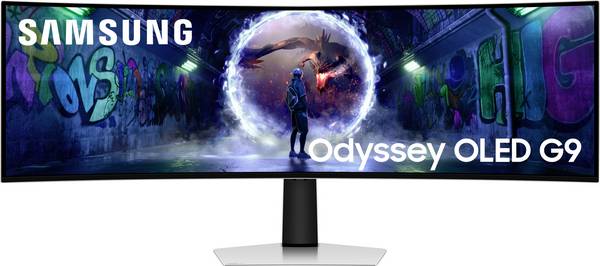
Samsung Odyssey OLED G9 LS49DG934SU LED-Monitor EEK G (A - G) 124.5 cm (49 Zoll) 5120 x 1440 Pixel 32:9 0.03 ms DisplayP
MSI MAG 274QF Gaming Monitor EEK F (A - G) 68.6 cm (27 Zoll) 2560 x 1440 Pixel 16:9 1 ms HDMI® 2.0b, DisplayPort, Kopfhö
Apple Studio Display XDR (2026) Studio Display Standard Glas EEK F (A - G) 68.6 cm (27 Zoll) 5120 x 2880 Pixel Thunderbo

LG Electronics 34G600A-B LED-Monitor EEK G (A - G) 86.4 cm (34 Zoll) 21:9 0.03 ms HDMI®, USB, DisplayPort OLED
Asus TUF Gaming VG27AQL5A Gaming Monitor EEK F (A - G) 68.6 cm (27 Zoll) 2560 x 1440 Pixel 16:9 1 ms HDMI®, DisplayPort,
MSI MAG 321CQFDE E18 LCD-Monitor EEK F (A - G) 81.3 cm (32 Zoll) 2560 x 1440 Pixel 16:9 0.5 ms HDMI®, DisplayPort, Kopfh

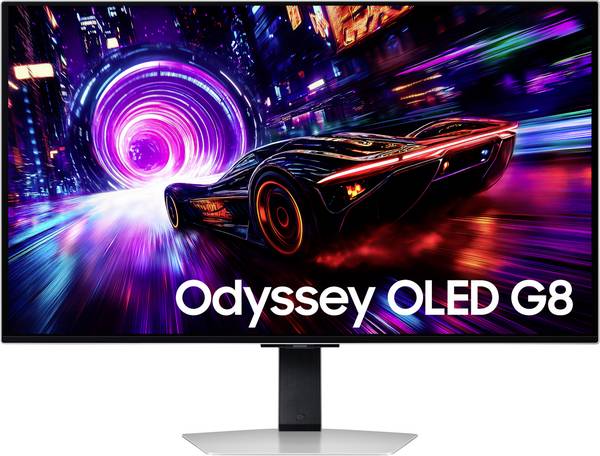
Samsung Odyssey OLED G8 LS32FG814SU LED-Monitor EEK G (A - G) 81.3 cm (32 Zoll) 16:9 0.03 ms DisplayPort, HDMI®, USB OLE
Viewsonic VX2718-2KPC-MHD LED-Monitor EEK G (A - G) 68.6 cm (27 Zoll) 2560 x 1440 Pixel 16:9 1 ms DisplayPort, HDMI® VA

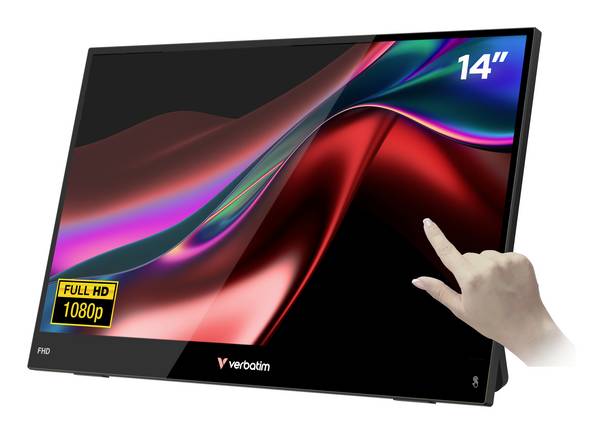
Verbatim LIGHT Touchscreen-Monitor EEK A (A - G) 35.6 cm (14 Zoll) 16:9 10 ms
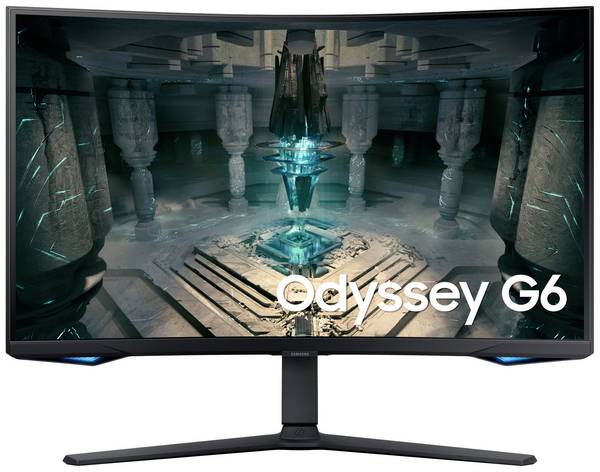
Samsung Odyssey G6 S32BG650EU LED-Monitor EEK F (A - G) 81.3 cm (32 Zoll) 2560 x 1440 Pixel 16:9 1 ms HDMI®, DisplayPort
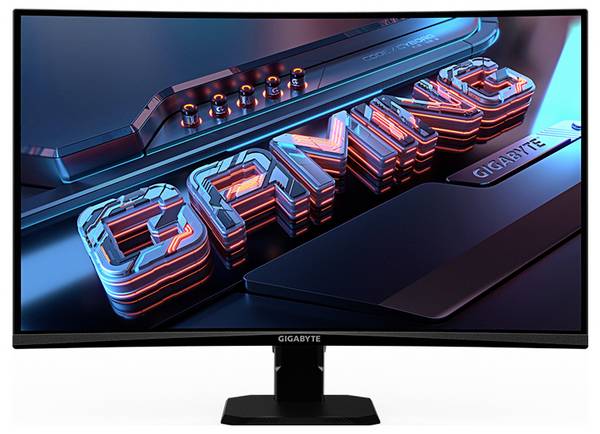
Gigabyte GS27QCA Gaming Monitor EEK F (A - G) 68.6 cm (27 Zoll) 2560 x 1440 Pixel 16:9 1 ms DisplayPort, HDMI® VA LED
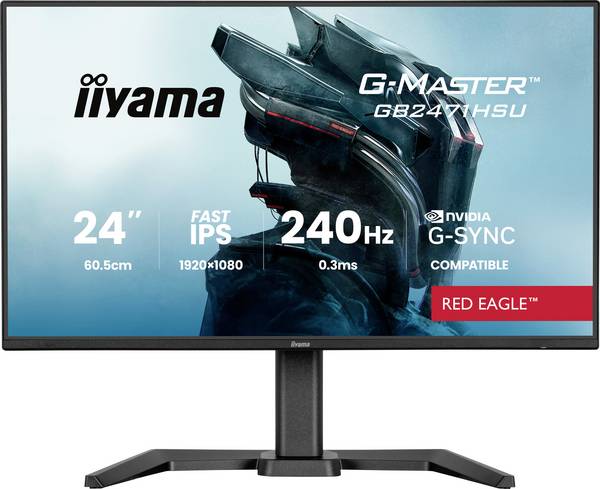
Iiyama G-MASTER Gaming Monitor EEK E (A - G) 60.5 cm (23.8 Zoll) 1920 x 1080 Pixel 16:9 0.3 ms HDMI®, DisplayPort, USB-A
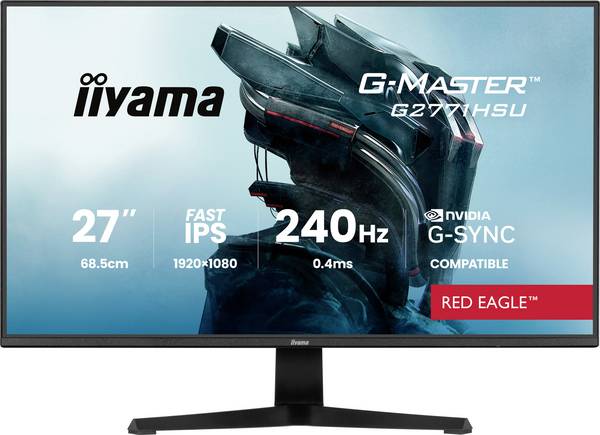
Iiyama G-MASTER Gaming Monitor EEK E (A - G) 68.6 cm (27 Zoll) 1920 x 1080 Pixel 16:9 0.4 ms HDMI® IPS LED
Viewsonic VX3218-PC-MHD LED-Monitor EEK F (A - G) 80 cm (31.5 Zoll) 1920 x 1080 Pixel 16:9 1 ms DisplayPort, HDMI® VA LC
Asus TUF Gaming VG27WQ3B Gaming Monitor EEK E (A - G) 68.6 cm (27 Zoll) 2560 x 1440 Pixel 16:9 1 ms HDMI®, DisplayPort,
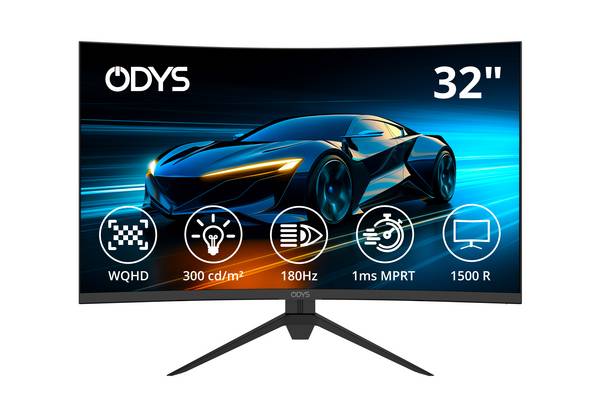
ODYS XP32-X LED-Monitor EEK F (A - G) 81.3 cm (32 Zoll) 2560 x 1440 Pixel 16:9 1 ms HDMI® 2.1, DisplayPort, Kopfhörer (3
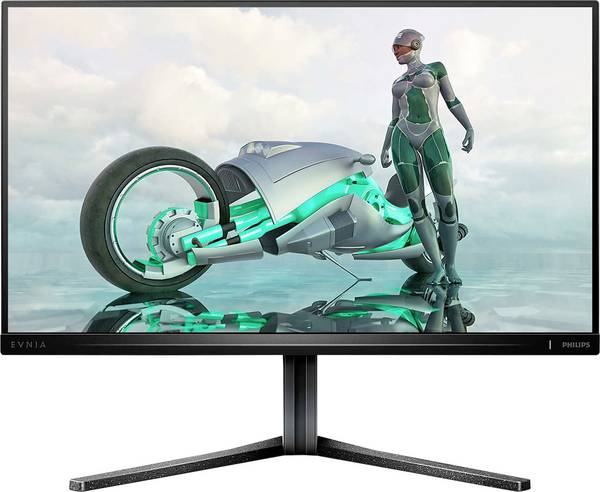
Philips 25M2N3200W LCD-Monitor EEK E (A - G) 62.2 cm (24.5 Zoll) 1920 x 1080 Pixel 16:9 1 ms DisplayPort, HDMI® VA LCD
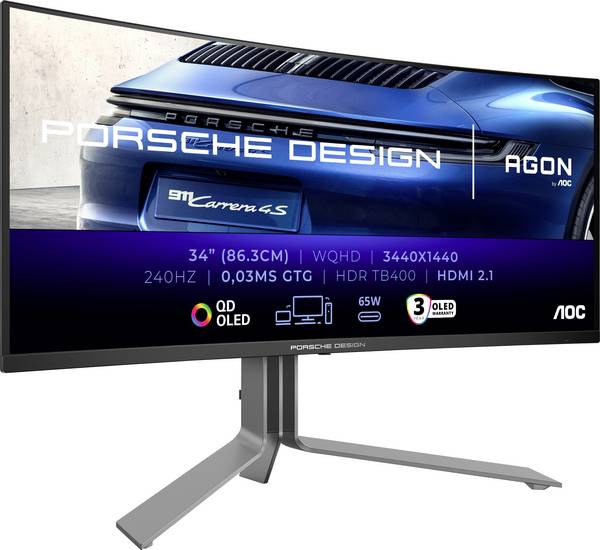
AOC PD34 Gaming Monitor EEK G (A - G) 86.4 cm (34 Zoll) 3440 x 1440 Pixel 21:9 0.03 ms DisplayPort, HDMI® OLED
Alienware AW2725QF Gaming Monitor EEK G (A - G) 68.6 cm (27 Zoll) 3840 x 2160 Pixel 16:9 0.5 ms DisplayPort IPS LCD

LG Electronics 34G600A-B LCD-Monitor EEK G (A - G) 86.4 cm (34 Zoll) 21:9 5 ms

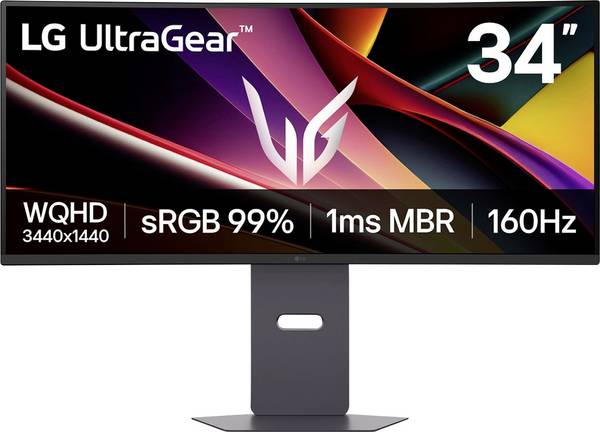
LG Electronics 39GS95QE-B Gaming Monitor EEK F (A - G) 86.4 cm (34 Zoll) 21:9 0.03 ms OLED
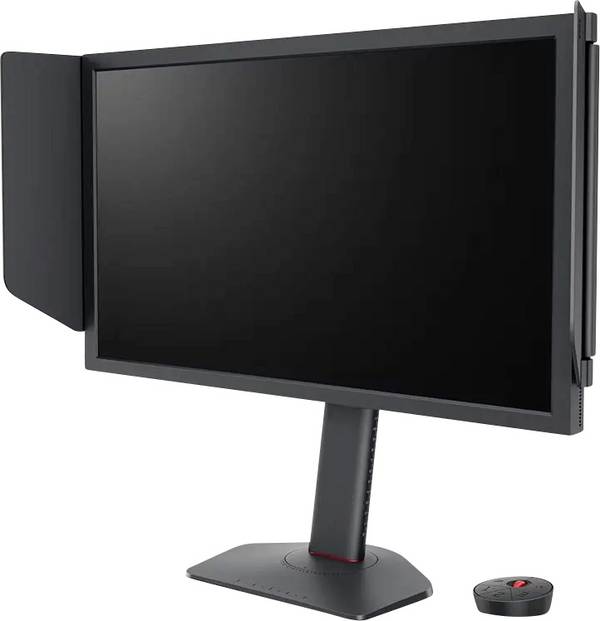
BenQ ZOWIE XL2586X+ Gaming Monitor EEK E (A - G) 61.2 cm (24.1 Zoll) 1920 x 1080 Pixel 16:9 HDMI®, DisplayPort TN LCD
Samsung S32FM900SU LED-Monitor EEK G (A - G) 81.3 cm (32 Zoll) 3840 x 2160 Pixel 16:9 0.03 ms HDMI®, USB-A (USB 2.0), US
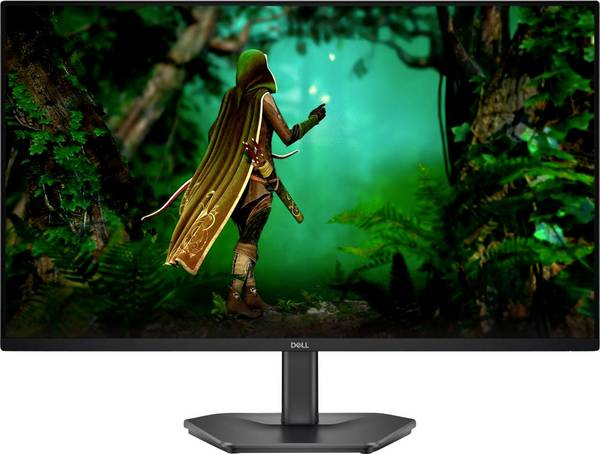
Dell DELL SE2725HG Monitor PC 68.6 cm (27) 1920 x 1080 Pixel Full HD LCD Nero LCD-Monitor EEK E (A - G) 68.6 cm (27 Zoll
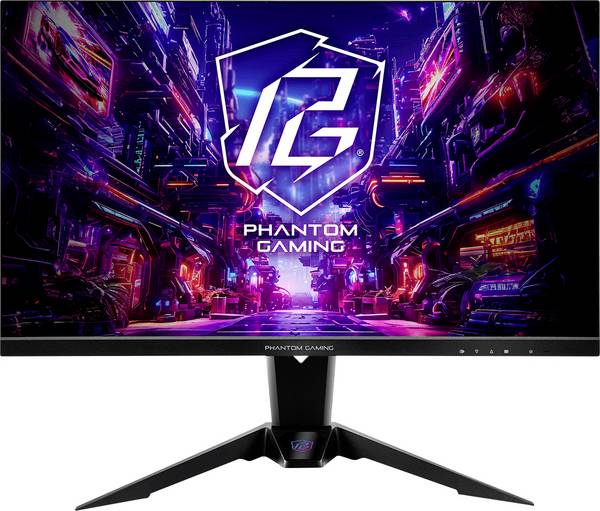
ASRock PG27FFT1A Gaming Monitor EEK E (A - G) 68.6 cm (27 Zoll) 1920 x 1080 Pixel 16:9 1 ms
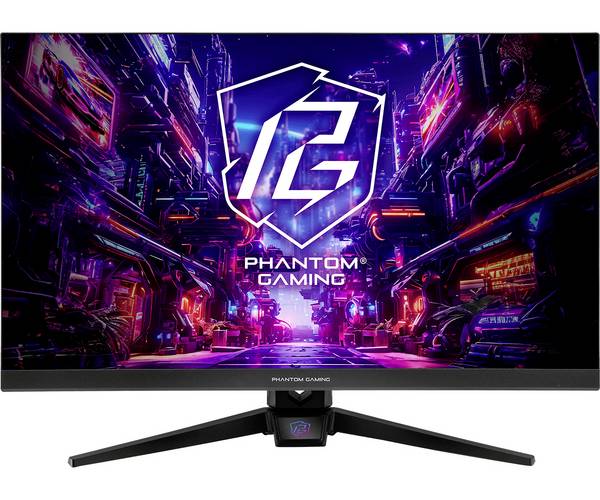
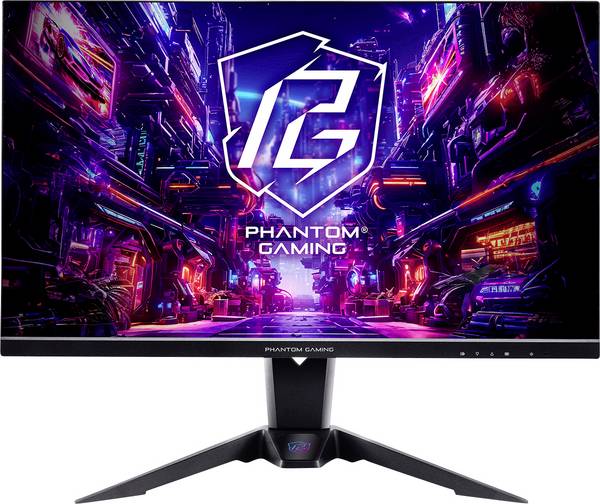
ASRock PG27QFT2A Gaming Monitor EEK F (A - G) 68.6 cm (27 Zoll) 2560 x 1440 Pixel 16:9 5 ms HDMI®, DisplayPort, Kopfhöre
ASRock PG27FFX2A Gaming Monitor EEK E (A - G) 68.6 cm (27 Zoll) 1920 x 1080 Pixel 16:9 1 ms HDMI® 2.1, DisplayPort, USB-
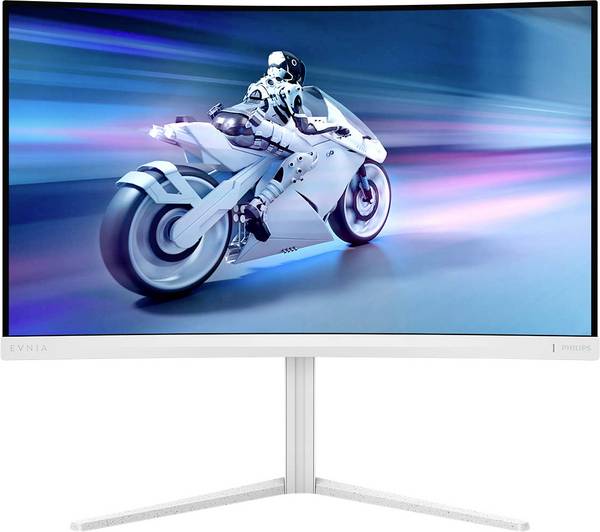
Philips 27M2C5501 Gaming Monitor EEK F (A - G) 68.6 cm (27 Zoll) 2560 x 1440 Pixel 16:9 1 ms DisplayPort, HDMI® VA LCD
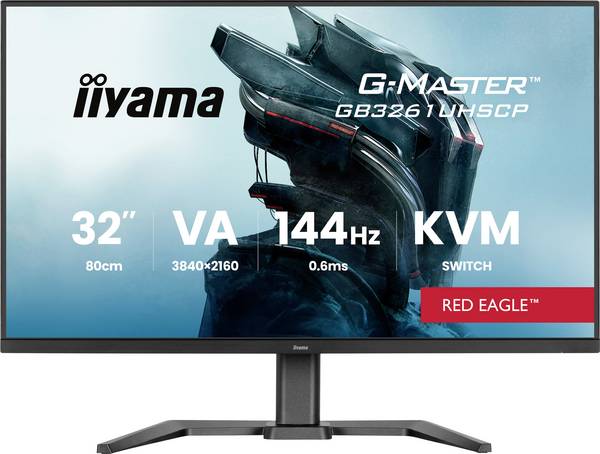
Iiyama G-MASTER Gaming Monitor EEK F (A - G) 80 cm (31.5 Zoll) 3840 x 2160 Pixel 16:9 0.6 ms USB-C® VA LED
Viewsonic VX2719-PC-MHD Gaming Monitor EEK F (A - G) 68.6 cm (27 Zoll) 1920 x 1080 Pixel 16:9 1 ms DisplayPort, HDMI®, K
Iiyama GCB3482WQSU-B1 LED-Monitor EEK E (A - G) 86.4 cm (34 Zoll) 3440 x 1440 Pixel 21:9 0.6 ms DisplayPort VA LED
Dell U4025QW Ultrasharp LED-Monitor EEK F (A - G) 100.8 cm (39.7 Zoll) 5120 x 2160 Pixel 21:9 5 ms HDMI®, DisplayPort, T
Asus TUF Gaming VG249QM5A Gaming Monitor EEK E (A - G) 60.5 cm (23.8 Zoll) 1920 x 1080 Pixel 16:9 1 ms IPS LCD
Dell DELL SE2425HG Monitor PC 61 cm (24) 1920 x 1080 Pixel Full HD LCD Nero LCD-Monitor EEK E (A - G) 61 cm (24 Zoll) 19
Thermaltake 49 inch OLED Gaming Monitor black Gaming Monitor EEK F (A - G) 124.5 cm (49 Zoll) 5120 x 1440 Pixel 32:9 0.0
MSI MAG 345CQRDE Gaming Monitor EEK F (A - G) 86.4 cm (34 Zoll) 3440 x 1440 Pixel 16:9 1 ms HDMI®, DisplayPort, Kopfhöre
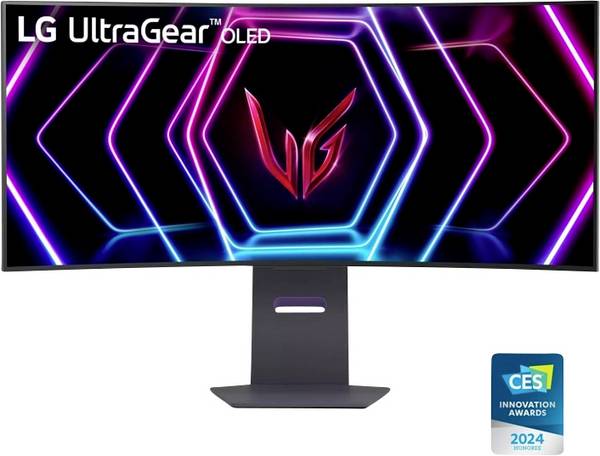
LG Electronics UltraGear 45GS95QX-B Gaming Monitor EEK F (A - G) 114.3 cm (45 Zoll) 3440 x 1440 Pixel 21:9 0.03 ms OLED
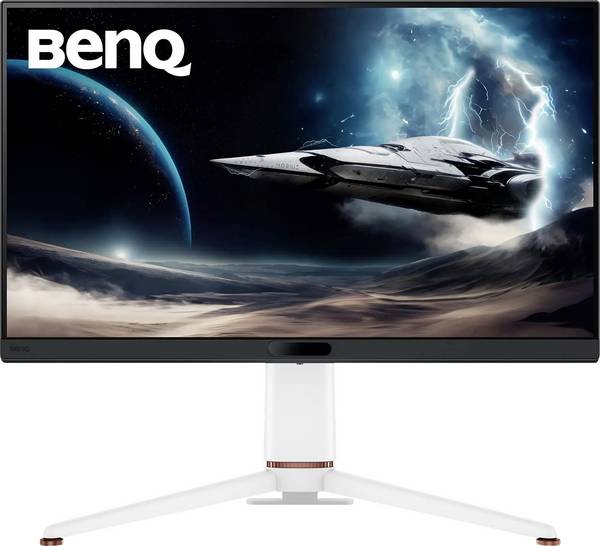
BenQ MOBIUZ EX271U Gaming Monitor EEK G (A - G) 68.6 cm (27 Zoll) 3840 x 2160 Pixel 16:9 1 ms HDMI®, DisplayPort, USB-C®
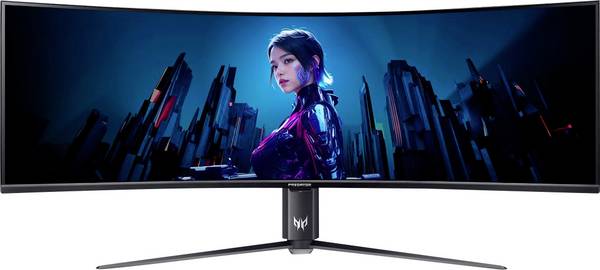
Acer Predator Z57b Gaming Monitor EEK G (A - G) 144.8 cm (57 Zoll) 7680 x 2160 Pixel 32:9 1 ms DisplayPort, HDMI® VA LED
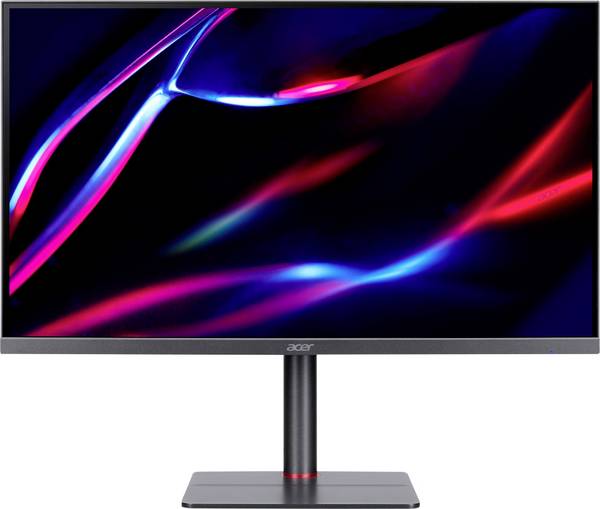
Acer Nitro XV275KP3b Gaming Monitor EEK F (A - G) 68.6 cm (27 Zoll) 3840 x 2160 Pixel 16:9 1 ms DisplayPort IPS LED
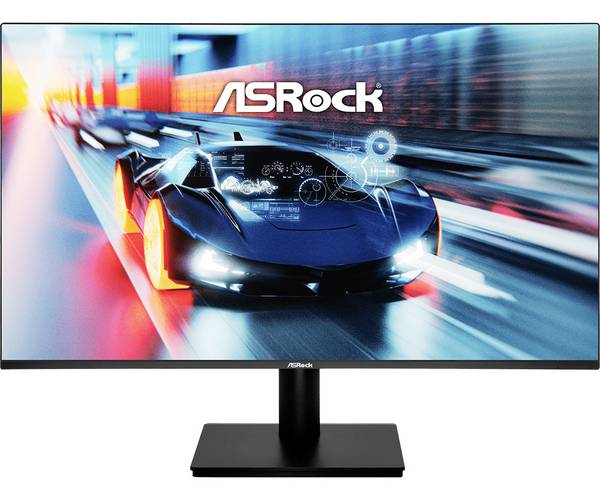
ASRock CL27FFB Gaming Monitor EEK E (A - G) 68.6 cm (27 Zoll) 1920 x 1080 Pixel 16:9

Alienware DELL Alienware 34 Gaming Monitor AW3425DWM 86.36cm 34inch VA 3440x1440 21:9 400c Gaming Monitor EEK G (A - G)
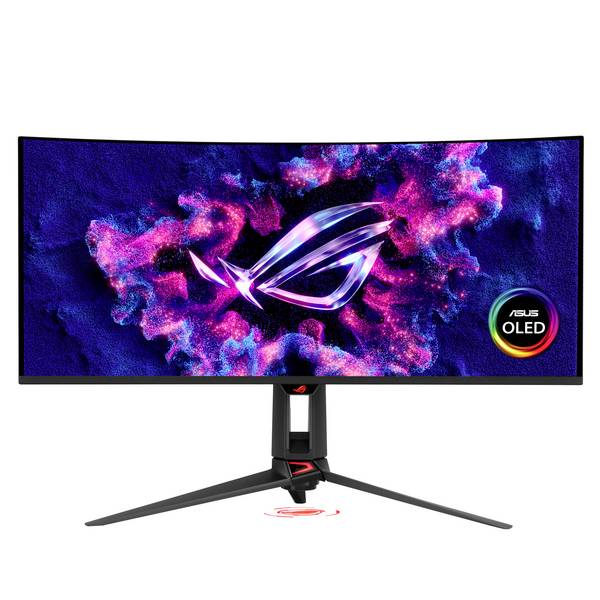
Asus ROG Swift OLED Gaming Monitor EEK F (A - G) 86.4 cm (34 Zoll) 3440 x 1440 Pixel 21:9 0.03 ms Kopfhörer-Buchse OLED
MSI 9S6-3CE01M-015 Gaming Monitor EEK E (A - G) 68.6 cm (27 Zoll) 1920 x 1080 Pixel 16:9 HDMI®
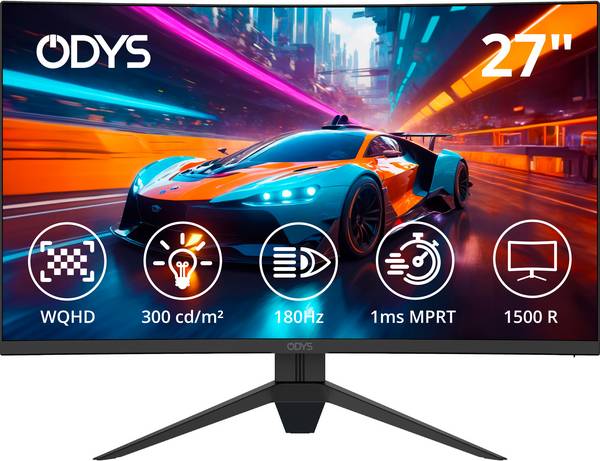
ODYS Q27-X LED-Monitor EEK F (A - G) 68.6 cm (27 Zoll) 2560 x 1440 Pixel 16:9 1 ms HDMI® 2.1, DisplayPort, Kopfhörer (3.
MSI MAG 274QFDE X24 Gaming Monitor EEK F (A - G) 68.6 cm (27 Zoll) 2560 x 1440 Pixel 16:9 0.5 ms DisplayPort, HDMI® IPS
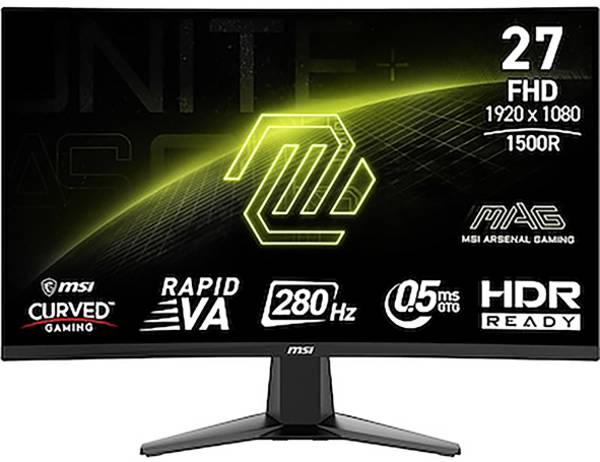
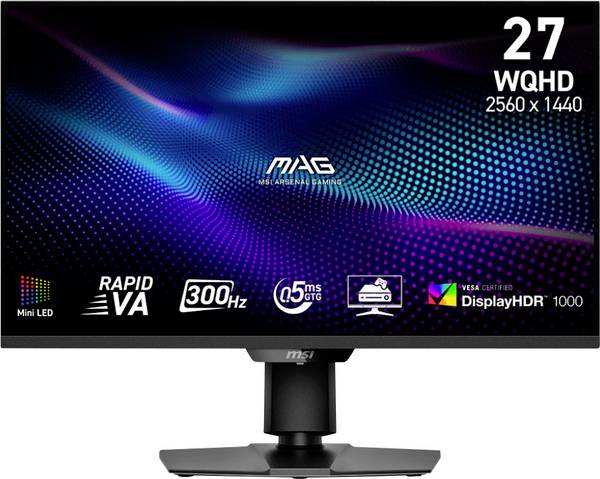
MSI MAG 274QPFDE X30MV Gaming Monitor EEK F (A - G) 68.6 cm (27 Zoll) 2560 x 1440 Pixel 16:9 0.5 ms DisplayPort, HDMI® R
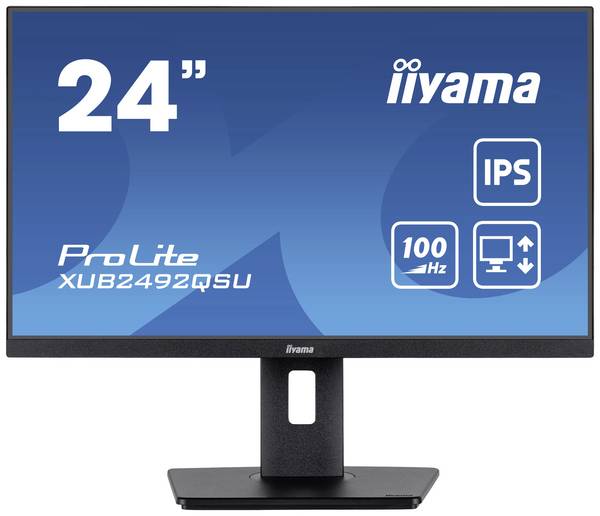
Iiyama ProLite XUB2492QSU-B1 LED-Monitor EEK F (A - G) 61 cm (24 Zoll) 2560 x 1440 Pixel 16:9 0.5 ms HDMI®, DisplayPort,
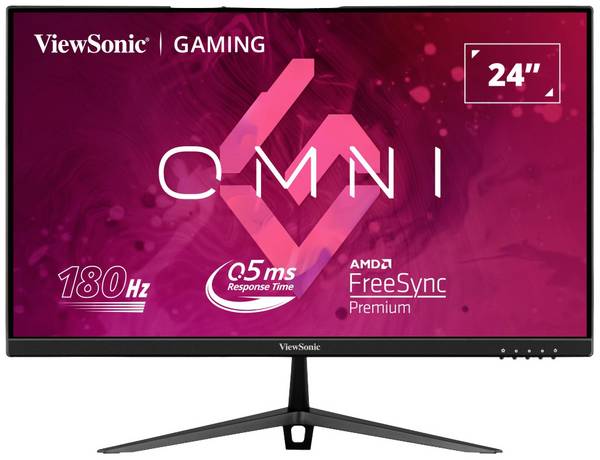
Viewsonic VX2428 Gaming Monitor EEK E (A - G) 60.5 cm (23.8 Zoll) 1920 x 1080 Pixel 16:9 0.5 ms HDMI®, DisplayPort IPS L
Ratgeber
Wer regelmässig Computerspiele zockt, kommt an leistungsstarken Gaming-Monitoren nicht vorbei. Unter den PC-Monitoren stellen sie die Luxusklasse hinsichtlich Auflösungsvermögen und Reaktionszeit dar.
In unserem Ratgeber erfahren Sie, welche Arten von Gaming-Monitoren es gibt, mit welchen Besonderheiten sie hervorstechen und was Sie beim Kauf beachten sollten.
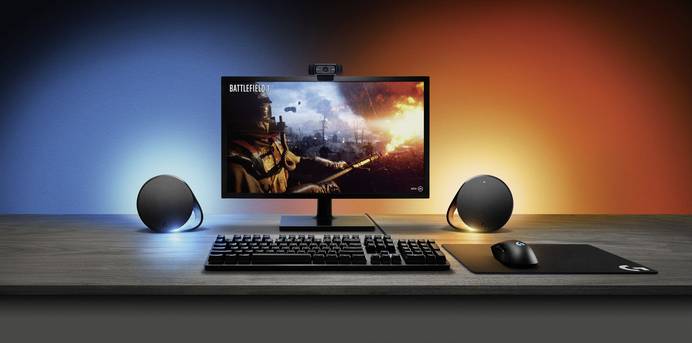
Gaming-Monitore sorgen dafür, dass die Ausgabe der Grafikkarte bestmöglich dargestellt wird. Sie überzeugen mit einer besonders hohen Auflösung und einer extrem kurzen Reaktionszeit, wodurch PC-Spiele in Full-HD oder Ultra-HD und in Echtzeit gespielt werden können.
Manche Bildschirme erreichen Bildwiederholungsraten von bis zu 240 Hz, so dass selbst rasante und grafisch aufwendige Szenen flüssig dargestellt werden. Gewölbte Ultra-HD- oder Full-HD-Bildschirme, sogenannte Curved Monitore, verstärken den räumlichen Bildeindruck.
Das verstärkt das immersive Gaming-Erlebnis und lässt das Gefühl entstehen, mittendrin im Spielgeschehen zu sein.
Gaming-Displays sind mit unterschiedlichen Bilddiagonalen erhältlich. Neben Standardausführungen mit 24 Zoll (ca. 61 cm) oder 27 Zoll (ca. 69,5 cm) gibt es sehr grosse Gaming-Monitore mit 49 Zoll (ca. 124,5 cm). Daneben werden Ultra-HD- und Full-HD-Monitore in unterschiedlichen Formaten angeboten. Ultrawide-Monitore haben beispielsweise das Format 32:9 und ermöglichen es, besonders viel auf dem Spielfeld zu erkennen.
Nahezu alle Gaming-Monitore weisen eine sehr schnelle Reaktionszeit auf, was den Input Lag (Eingangsverzögerung) minimiert. Darunter versteht man eine zeitliche Lücke zwischen dem Moment, wenn das Videosignal den Monitor erreicht, und jenem, an dem das Bild sichtbar wird.
Hinsichtlich der Auflösung ist Full HD Standard. Das Auflösungsvermögen vieler Gaming-Monitore erreicht aber bereits UHD, also Ultra High Definition. Die UHD-Auflösung übertrifft die Full-HD-Auflösung und kann mit der Bezeichnung 4K gleichgesetzt werden, was einer Auflösung von 3840 x 2160 Pixel, oder grob 4000 Pixeln in der Horizontale, entspricht. Monitore mit HDR (High-Dynamic-Range) bieten optimale Kontraste und eine exzellente Farbleistung.
Als Anschlüsse bieten Gaming-Monitore eine Vielfalt von Schnittstellen: USB-C-, HDMI- und HDMI-2.0-Anschlüsse sind die Regel. Zur Übertragung von Bildsignalen in 4K- beziehungsweise Ultra-HD-Bildsignalen dienen HDMI-2.0-Anschlüsse, die prinzipiell gleich aufgebaut sind wie bei HDMI, aber mehr Daten übertragen können.
Manche Monitore bieten einen sogenannten Gameplus-Modus, der es ermöglicht, Zielhilfen auszuwählen, die in der Bildschirmmitte eingeblendet werden. Das kann zum Beispiel ein Fadenkreuz oder einen „Aimpunkt“ sein.
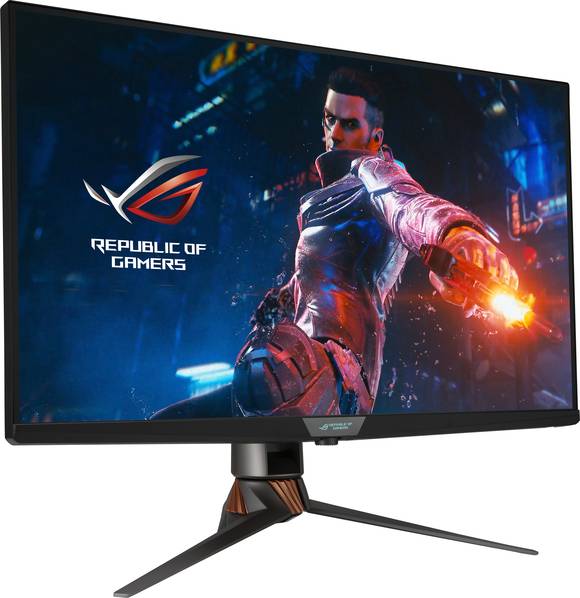
Beim Kauf von Gaming-Monitoren sind mehrerlei Faktoren zu beachten:
Bildschirmdiagonale
Zunächst einmal bedeutet grösser nicht zwangsläufig besser. Ist die Bildschirmdiagonale zu gross, kann das abhängig vom jeweiligen Game-Kontext und Betrachtungswinkel dazu führen, dass man beim Spielen den Überblick verliert. Üblicherweise haben Gaming-Monitore Bildschirmdiagonalen von 24 bis 27 Zoll.
Bildübertragungs- und Bilddarstellungsqualität
Des Weiteren ist Augenmerk auf die Bildübertragungs- und Bilddarstellungsqualität (Reaktionszeit in ms und Auflösung in Pixel) zu legen. Je höher die Bildwiederholrate, desto ruckelfreier das Bild. Die Ansprüche an Auflösung und Reaktionszeit sind abhängig davon, welche Games gespielt werden. Grafisch aufwendige, schnelle Spiele wie Egoshooter stellen höhere Anforderungen an einen Gaming-Monitor als beispielsweise Strategiespiele.
Mögliche Anschlüsse
Auf Anzahl und Art der Anschlüsse (HDMI, HDMI 2.0 usw.) ist ebenfalls zu achten.
Weitere Features
Zusätzliche Features gilt es ebenfalls zu berücksichtigen. Sinnvoll kann beispielsweise ein höhenverstellbarer Standfuss sein, um den Bildschirm optimal auf Körpergrösse und Sitzposition auszurichten. Zudem sollten Sie einen Blick auf die Energieeffizienzklasse werfen.
Unser Praxistipp: Format auf die Raumsituation abstimmen
Am meisten Freude werden Sie an einem Gaming-Monitor haben, dessen Grösse und Format auf die Raumsituation abgestimmt sind, in der Sie spielen. In dem Zusammenhang ist insbesondere der Abstand einzubeziehen, den Sie vor dem Display perspektivisch einnehmen werden. Als Faustregel gilt: Je grösser der Monitor, desto weiter entfernt sollte man sitzen, um alles gut überblicken zu können.
FAQ – häufig gestellte Fragen zu Gaming-Monitoren
Wozu ist ein IPS-Panel gut und wozu ein VA-Panel?
Ein IPS-Panel (IPS = In-Plane-Switching) ist aus Flüssigkristallen zusammengesetzt, die parallel zueinander und horizontal ausgerichtet sind. Sie ermöglichen einen besonders weiten Betrachtungswinkel mit einer gleichmässig guten Farbdarstellung. Im Gegensatz zu IPS ist ein VA-Panel (VA = Vertical Alignment) mit vertikal angeordneten Flüssigkristallen ausgestattet. Sobald Spannung angelegt wird, rotieren die Kristalle in eine horizontale Position und erzeugen einen hohen Bildkontrast. Zusammenfassend lässt sich sagen: VA-Panels überzeugen in puncto Kontrast, IPS-Panels hinsichtlich der Farbwerte. Darüber hinaus punkten IPS-Panel mit vergleichsweise kurzen Reaktionszeiten und eigenen sich daher besonders gut für das Gaming.
Was unterscheidet LED-Monitore von LCD-Monitoren?
LCD-Monitore sind Flüssigkeitskristalldisplays und können sowohl mit IPS- als auch mit VA-Panels ausgestattet sein. Gaming-LED-Monitore sind im Grunde auch LCDs, hier werden allerdings zur Hintergrundbeleuchtung LEDs eingesetzt. Dadurch ist es möglich, besonders flache Bildschirme zu bauen, die leuchtende Farben wiedergeben. Im Gegensatz zu LCD-Monitoren mit Leuchtstoffröhren als Hintergrundbeleuchtung überzeugen LED-Displays mit einem exzellenten Kontrast. Nicht zuletzt versprechen LEDs eine lange Lebensdauer und büssen mit der Zeit kaum an Leuchtkraft ein.
Was versteht man unter Free-Sync?
Free-Sync ist eine vom Grafikkartenhersteller AMD entwickelte, adaptive Synchronisierungstechnologie für Gaming-Bildschirme mit variabler Bildwiederholfrequenz. Sie soll visuelle Artefakte verhindern, die durch Stottern, Ruckeln und Tearing entstehen. Von Tearing spricht man, wenn Aufbau und Anzeige des Bilds nicht mit der Bildschirmwiedergabe synchronisiert sind und das Bild dadurch zerrissen erscheint. Ein Pendant zu Free-Sync bietet NVIDIA mit G-Sync an. Wenn Sie eine AMD-Grafikkarte mit Free-Sync oder eine NVIDIA-Grafikkarte mit G-Sync nutzen, ist darauf zu achten, dass der Monitor die jeweilige Technologie unterstützt.